

The Workflow Meeting
This is the engine that establishes the smooth running of the workflow machine and it affects every process through to the final deliverables. It’s a big meeting (can be 1-3 hours), generally run by Producer with Editor or 1st Assistant Editor in the week before the shoot.
Who needs to be present?
- Producer
- Production Manager
- Editor or 1st Assistant Editor
- Camera Assist & Clapper/Loader
- Sound Recordist
- Continuity
- DIT
- Post Supervisor
- VFX
- Online Post
- Sound Design
- Director of Photography
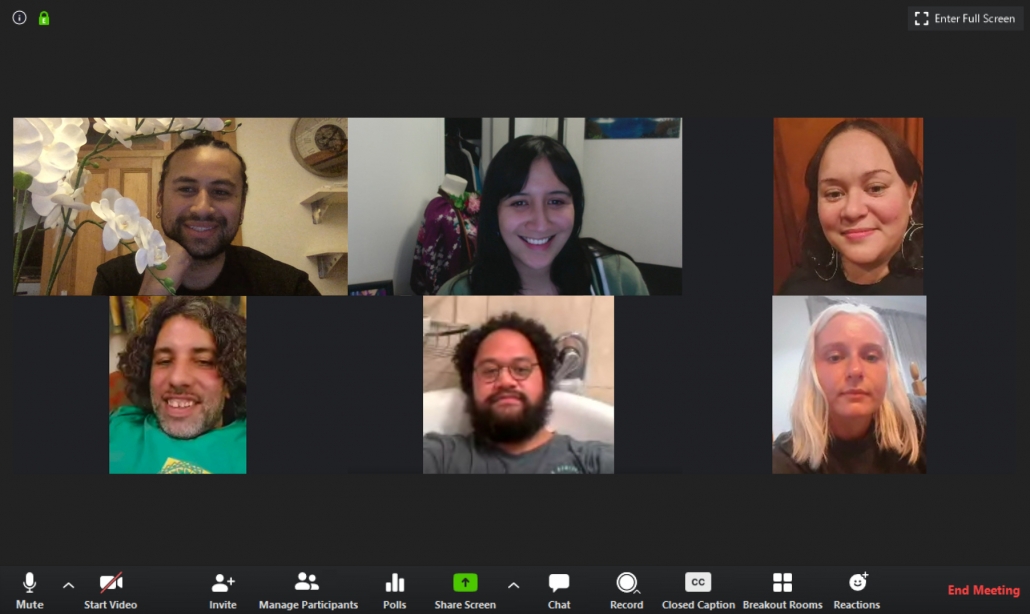
The virtual Workflow meeting for the film No Laughing in the Faculty under COVID-19 restrictions.
What’s talked about?
Technical details in the Tech Bible (XLSX 495KB) and what will happen with those details during and after the shoot.
The two crucial points:
1. Each file has its unique original filename. Don’t change it.
2. 24 hour, time of day, timecode.
Naming Conventions
Cards, drives and slating systems are set by Editorial – you’ll find standard naming conventions in the Tech Bible. Sound Recordist should use the slate name as their original filename – (some recorders have the slate name in metadata which creates the file name) – be consistent.
Continuity and Clapper/Loader control slating on set according to the system set by Editorial. Naming parts of scenes to be clarified by Editorial. Every department uses the same naming conventions with no exceptions. Best practice naming conventions can be found in the Continuity section of the Tech Bible Template.
Timecode
Picture & Audio files are recorded on a 24-hour clock set at the current time of day and equipment locked together.
A picture and audio test needs to be scheduled and shot at least two days before shoot, and run through the entire workflow – Camera & Sound to DIT to Editorial: synced, logged, subclipped, rough sequence cut from 2 different sync slates including resize, crossfade, speed ramp; EDL, AAF and QT to Online and Sound design together with original pic & audio media. Ask Online & Sound to notify Editorial if the workflow is correct, in sync and has required metadata.
Do not skip the test, it may be required by Guarantors and is your insurance. Any problems – notify Camera, DIT and Sound immediately before the shoot begins. They have to fix it before the shoot.
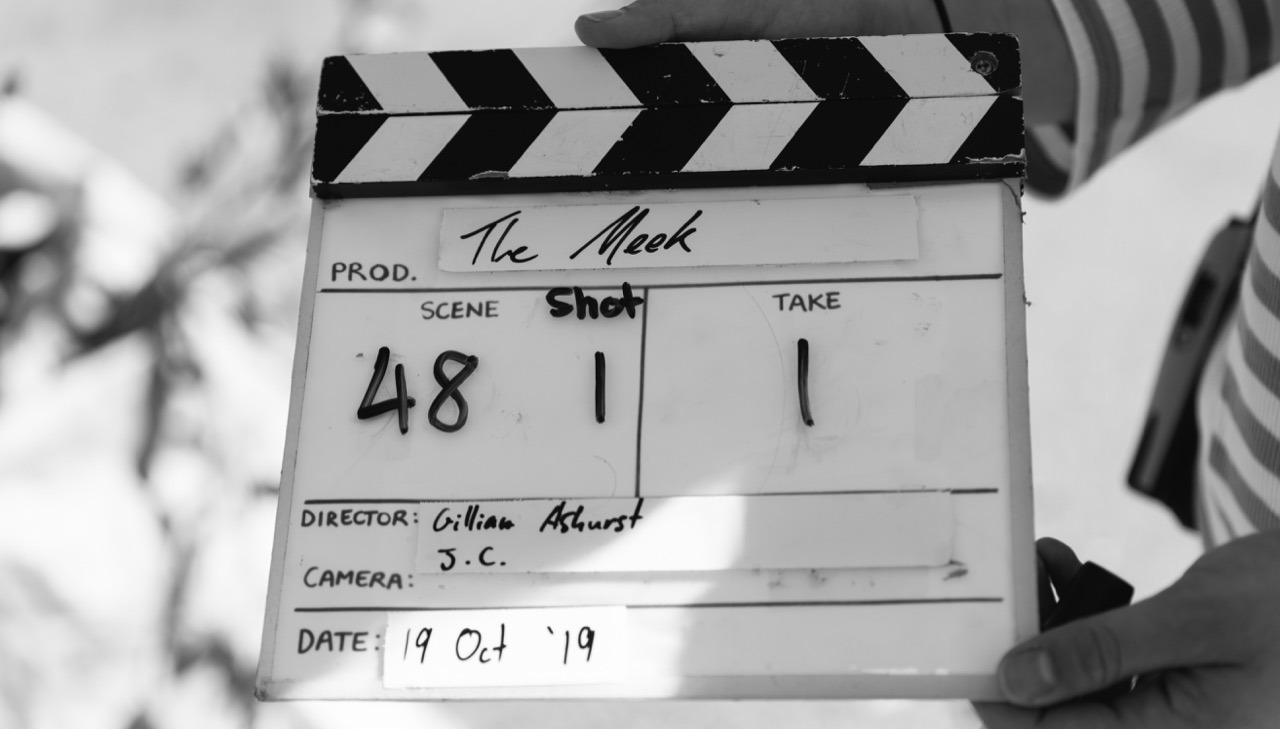
Slate for The Meek (Courtesy of Blueskin Films Ltd)
Formats & Codecs
Check with Online Post and DIT what formats and codecs are needed. And check camera cards – how many, how big, who clears for re-use, will Rushes be split at lunch to free up cards…
Frame Rate
Producer – check your required deliverables. That will guide you on what fps you need to shoot. If in doubt, talk to your Online Post house.
Drives
DIT master and backup – who holds them and what security is in place, travelling drives to and from Editorial and Online post house, and transport details for day and night shoots. If shooting a high resolution, e.g. 4K, this will impact on the number of camera cards you’ll need, the need for a DIT on set (who’ll need double the number of drives used for 2K), and more trips (and drives) required to Editorial and post house.
Syncing Rushes
Who is doing this? It should be Editorial for metadata safety, logging conventions etc. Do not do a deal with any post house to sync rushes unless Editorial are part of that discussion.
Dailies
Who is sending them out to funders, guarantors, producers, director, HODs – and by what method?
LUTs
Who is adding them? Editorial to check (a) the image is what they need to work with creatively and that they can see all of the image (cf. night shoots) and (b) any LUT grading needs to hold up through outputs, Vimeo etc and may be best addressed in the edit suite than baked in by DIT.
Paperwork
Editorial needs Camera, DIT & Sound reports, Continuity Progress report, shot logs, marked up script (Lined Script). How are these to be delivered and in what formats?
Handover Specifications
These will come in very handy when talking technical details. You will need to obtain these from each of your post houses. Specs are different for each house. You will need to talk with each post house and obtain and understand their specs.
Anything else that needs discussion, which arises from any of these points – depending on the production, this may be quite a lengthy part of the meeting and often the most intriguing gnarly little problems will be sorted here, e.g. any VFX or on-set playback that needs to be organised…
Premiere Pro Workflow
Communication is note #1 and it’s the most important note of all.
Communicate early and often, both up and down the workflow pipeline
Meaning not just with the post house, but also with the on-set DIT and camera/sound teams.
Before the shoot begins, make sure the DIT knows what you’ll need rushes-wise
If you’re getting proxy media to cut with, ensure it will retain all the raw media metadata, timecode, etc. for metadata retention in the AAF output. Sounds like a no-brainer but this is the beginning of the workflow and if it’s done right, then it’s an easy flow all the way through and out the other end.
Check in with your post houses
Get acquainted with the individuals you’ll be handing over to. Especially the sound department, as sound is often where problems arise. They’ll tell you what they need in terms of output. Run a workflow test as early as possible, before you start cutting. If any troubleshooting is required, do it and then remember it all for when the real handover comes.
Link to: Budget & Creativity
< Previous
Link to: The Shoot
Next >
Page last updated on 23 August 2022
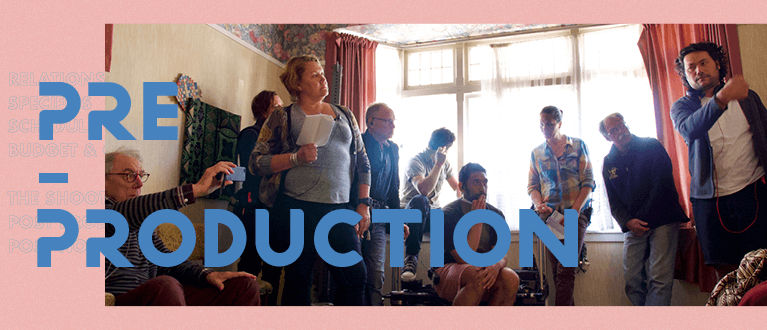
Top Image: Director Tusi Tamasese (far right) and crew during a recce for One Thousand Ropes (Courtesy of Blueskin Films Ltd)
Image: No Laughing in the Faculty meeting screenshots (Courtesy of Todd Karehana)