

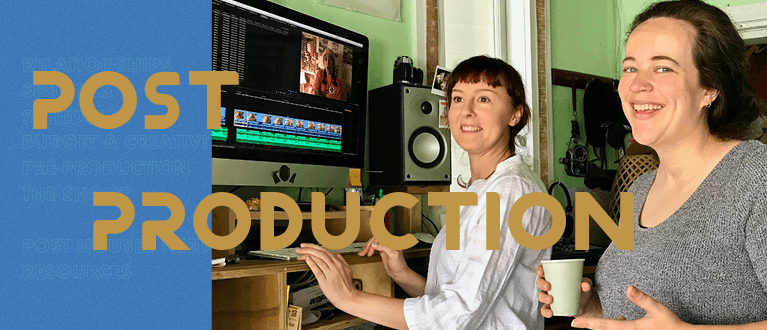
Post Production – The Edit
Keep talking in post production. As the film shapes up, post houses need information and Editorial holds that.
Communication with post houses still needs to be kept open. They too have their schedules for a number of other productions as well, so they’ll need advance notice if there are:
- schedule changes
- an increase in VFX shots
- requirements for temp mixes or VFX
- temp grading
This needs to go through the Producer or Post Supervisor, so those early relationships now reach a delicate balance as pressures build and time decreases.
Premiere Pro Workflow – During the Edit
Leave your media untouched
No linked clips, merged clips or subclips. Don’t rename clips. Leave the original media untouched and work with it as is. You can use bins, sequences and markers to your heart’s content within Premiere to help organise everything.
No nested clips or sequences
If you do any of these things during the course of the edit, you’ll need to unbundle everything and have them “clean” (as in original media) in your master sequence before outputting.
Don’t use third party software or plugins to sync pics and audio
Do it manually. Your workflow meeting and test should ensure timecode lock on the Audio and Pics together with clapperboard with correct slating. NO Pluraleyes.
Premiere treats stereo files as a single channel unless you tell it otherwise (in Preferences)
Either way will work, but if you do keep stereo files as one channel, it will help the sound output if you put all your stereo files on designated tracks in your sequence. In fact, that’s actually a good rule across the board for sound: designating tracks for dialogue/FX/music. If you can maintain it during the edit, it’ll make the output and handover that much simpler.
Link to: The Shoot
< Previous
Page last updated on 21 September 2022
Top Image: DOP/Editor Ainsley Calderwood and Director Anna Rose Duckworth cutting Butt Dial for TVNZ OnDemand (Courtesy of Anna Rose Duckworth)
© Directors and Editors Guild of Aotearoa New Zealand 2022. We grant permission to reproduce the content in this guide for personal and educational use only. Commercial copying is prohibited. We retain the right to be identified as the author of this work; please credit ‘Directors and Editors Guild of Aotearoa New Zealand’ whenever quoting from or reproducing this guide.