

Post Houses Need Information
As the edit advances and requests begin to go out to post houses for improved sound & VFX for screenings, Editorial must talk to post houses before assuming that their lovely edit will simply pop up on a completely different platform without a problem.
Editorial needs the specifications each Post house requires for handing over a sequence in order to keep the Workflow intact and avoid costly problems. Contact your post houses and ask for their Handover Specifications.
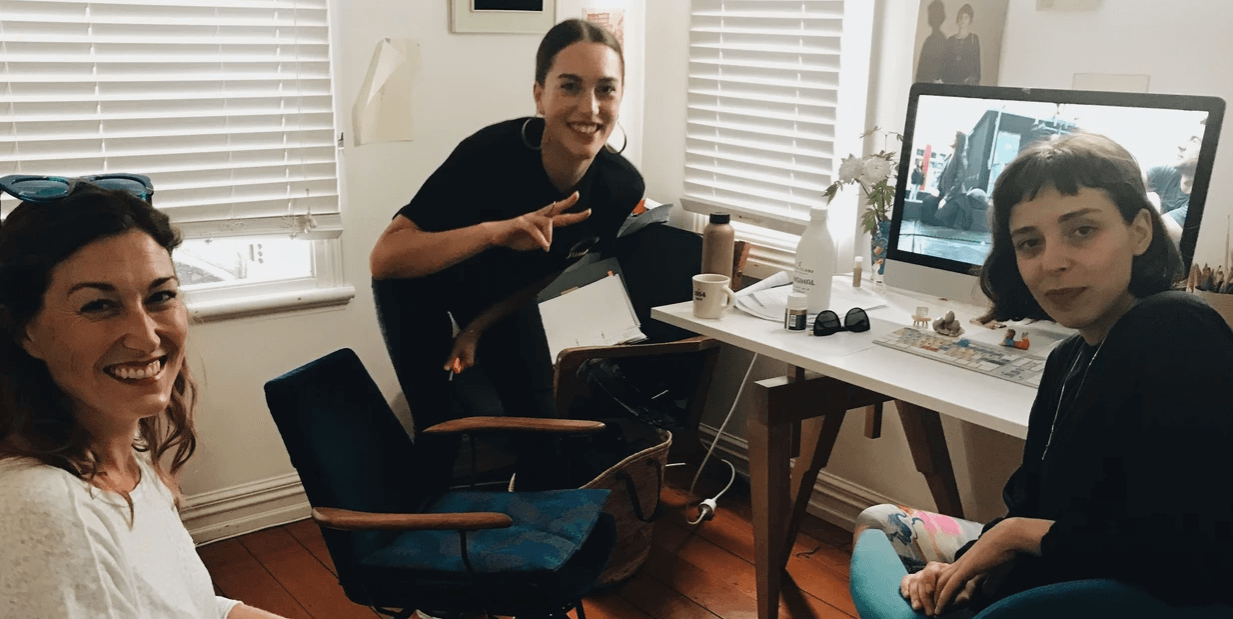
In the edit room on Ways to See. From left to right: DOP Tammy Williams, writer/director Jessica Sanderson and editor Anastasia Doniants.
Handovers
This is the point at which it can get particularly messy, and post houses become very testy and rightly so, as they’re asked to repair Handovers which may take days out of a limited schedule and budget – with no extra time or money to cover the delay. Editorial can be the cause of creativity being lost in order to repair poor preparation. And that erodes the relationship between Editor and Producer – the person who does the hiring for the next production.
Temp Handovers
Sound Design for bash mix for funders and Test screenings
It’s still a full Handover. Leaders, pipped, split tracks, EDLs* and AAFs*, Quick Time (QT) with overprints. Composer requires 2 channel .wav output – Ch1. Dia&FX, & Ch2. temp music – master timecode overprint only. Check what QT format they require.
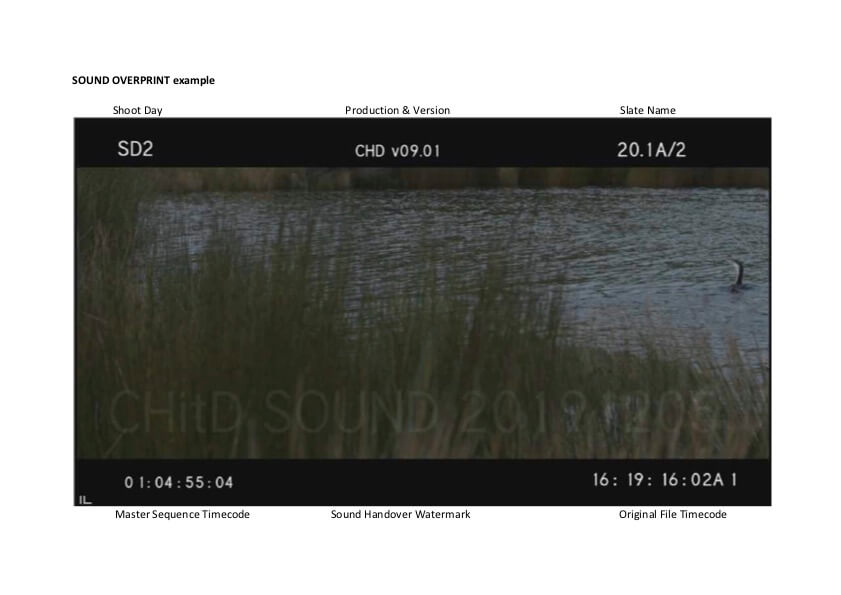
Overprint Examples for Sound and Conform
Click to view and download (PDF 130KB)
Temp VFX
Temp VFX – looking better than exAvid – may be needed for Test screenings. Temp or not, it’s still a full Handover to VFX so contact them and ask for their Handover Template. Here’s an example from Perceptual Engineering’s Handover specifications of a VFX Master Template and how you fill one in:
VFX Master Template
Click to download (XLSX 7KB)
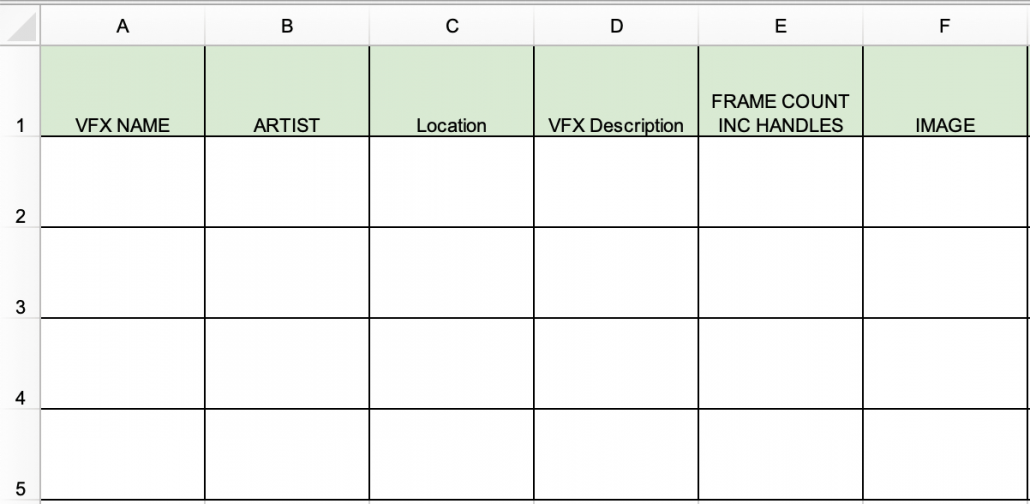
VFX Master Template – Filled In Example
Click to download (XLS 110KB)
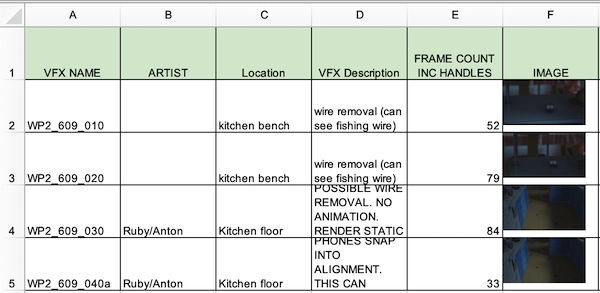
Schedule dates begin to impact on other post houses – make sure the schedule is realistic to begin with, which means talking to them early.
Final Handovers
Each post house has different specifications for Handover – contact them and obtain their specs. Follow them religiously. Any problems – call the post house immediately. Talking with them saves schedule and budget. And most problems occur in the Sound Post handover.
Feature Film Reels
If required by your post houses, make sure you supply every house with reels, that naming protocols match, with SMPTE head & tail leaders 2 pipped each track for every reel, and hour start timecode matches the reel number. Make an EDL of each layer for each reel because they work when AAFs and XMLs sometimes don’t, and sound post houses using Conformalizer** (most do) can match in the work they did for the temp mix into the final mix.
Series Reels
Web or television – same deal (check Park Road Post’s midline handover notes for webseries (PDF 251KB)). Check your broadcaster’s required length of black between reels/eps. Watch out: fades to black or up to image may present problems.
Premiere Handovers
If you’ve been in communication with everyone during the process, you’ll have been handed source media with its metadata intact, which you left untouched and which should then happily sail on down to post. You tested it in pre- production to make sure. Right?
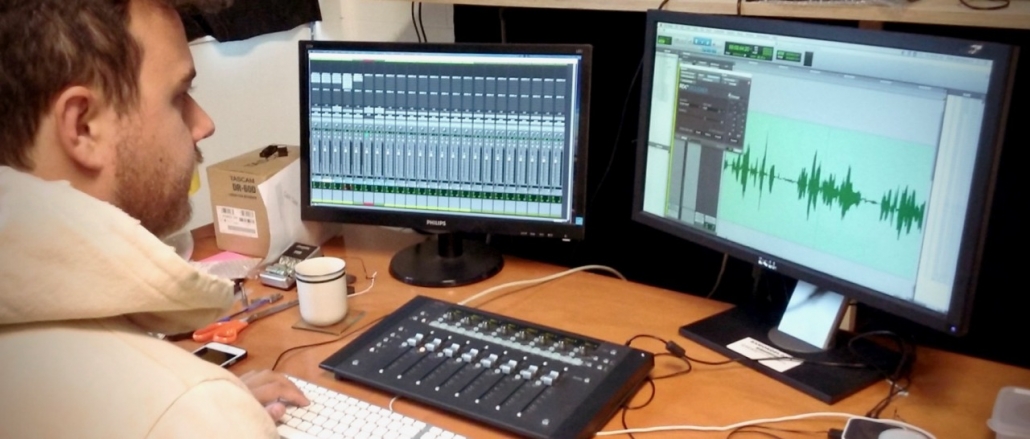
Dialogue editor Callum Scott (Courtesy of POW Studios Ltd)
Timeline Handover Preparation
Vision
Ask Online Post how they want Vision prepped.
Example: Vision Conform Offline Unprepped
Click image to enlarge

Example: Vision Conform Offline Prepped
Click image to enlarge

Audio
Ask Sound Post how they want Audio prepped.
Example: Audio Prepped for Sound Designer
Click image to enlarge
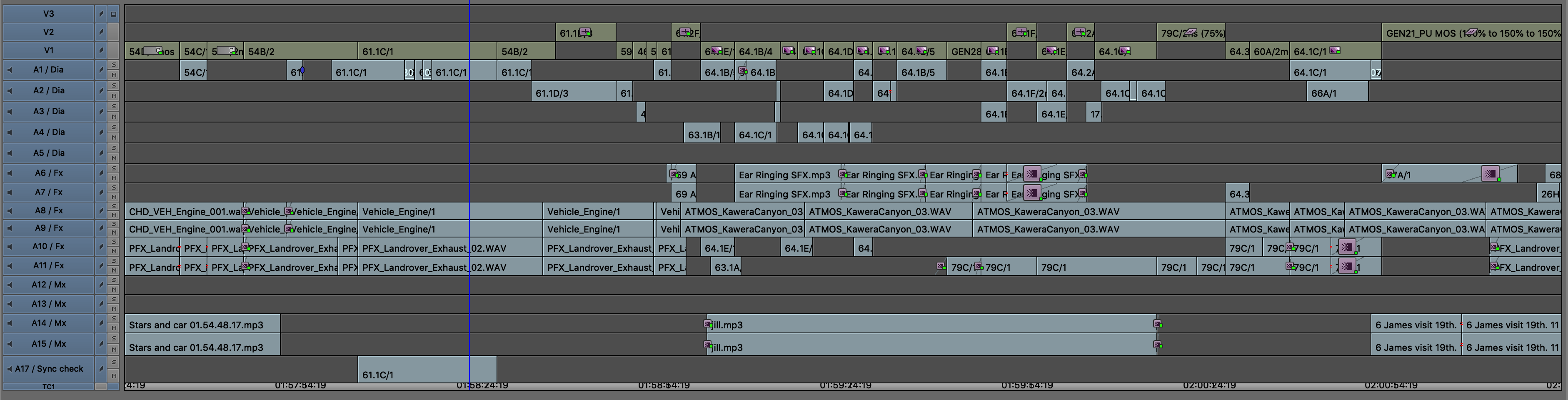
Two quick rules to help you avoid problems at this stage:
Put a SMPTE leader on the head and tail of your sequence with 2 pips across all tracks, start your sequence counter on the PICTURE START frame on the SMPTE leader.
SMPTE leaders have always been standard practice in the film industry for a really good reason: any post facility anywhere in the world that picks up your sequence knows exactly where it starts and finishes and whether it is in sync (via those head & tail 2 pips on every track).
How many films have you worked on where the first frame of picture is a looooong fade up from black and your last frame is a long fade down to black? Yup – that’s why you put leaders on it with 2 pips – so Online, Sound Design and Composer know exactly where it begins and ends.
You will find head & tail leaders in all frame rates here.


SMPTE Leaders
Talk to your post house before you Handover. Follow their specifications to the letter.
You will find some of the main post houses and their contacts here. While some have shared their Handover Specifications with DEGANZ, you still need to talk to them.
It still all comes out of talking to the right people at the right time.
Enjoy your smooth, trouble-free production and have a great time doing it.
* Check the Glossary for any abbreviations and terminology.
** Conformalizer is a tool for comparing two versions of a picture cut and re-conforming audio data to match. It saves a huge amount of time for sound editors and removes any doubt or uncertainty about what has changed. It allows editors to easily rebalance sound data between reels.
Conformalizer compares EDLs, XML or cutlists which represent the two versions of picture and then automatically recuts a protools session or database. Usually, the picture editorial dept. outputs a corresponding list every time they output a picture version. The sound dept. keeps these for later use and is able to very quickly update their data from any version to any other, without bothering the picture team.
There are other packages such as Ediload, however check with your Sound Post to find out what they prefer.
Link to: Post Production
< Previous
Page last updated on 21 September 2022
Top Image: Sound theatre at Park Road (Courtesy of Park Road Post Production Ltd)